
Reports
Learn how to access your Reach reports
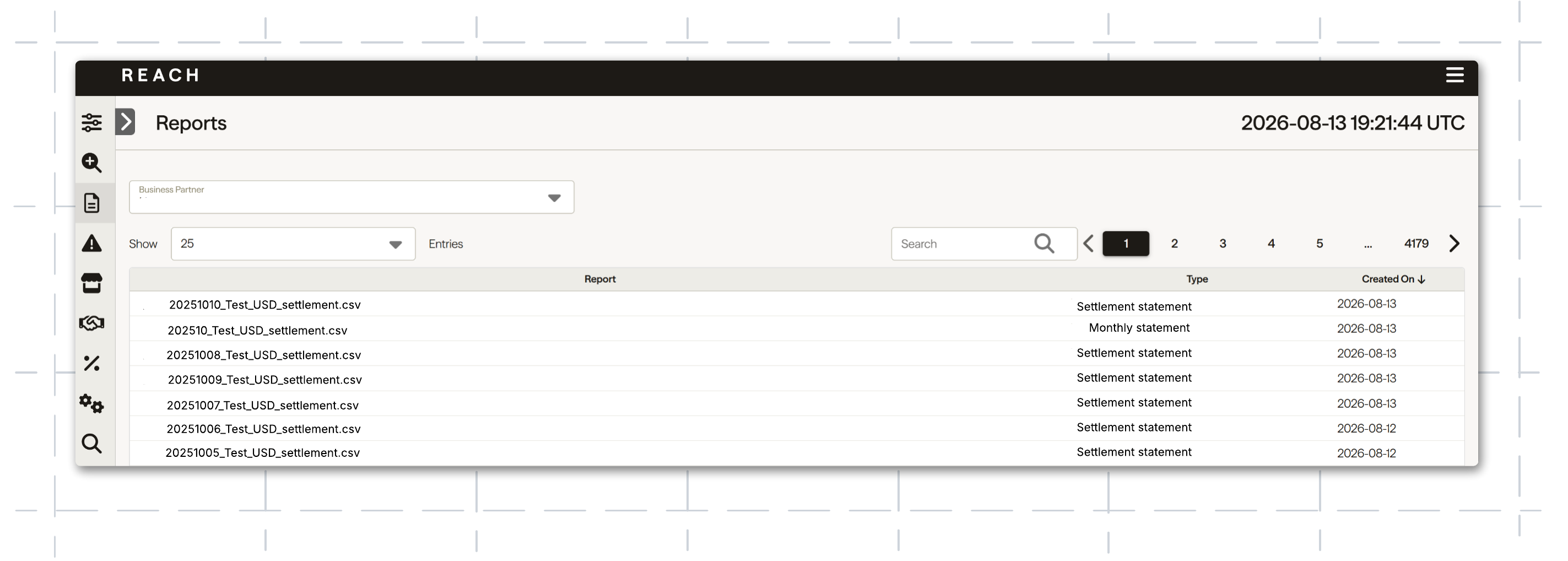
The settlement reports will automatically populate in CSV format when Reach deposits a statement. Reach automatically generates a monthly report on the 4th of each month.
Reports section
See the Reach reports and datashare page for an in-depth explanation of your reports, or watch the Reports tutorial video.
You can reorder the columns in the Reports section by statement type and date, or use the search bar to look up a specific report.
There are three primary reports in the Reports section:
- Settlement detail report: a daily statement detailing your settlements, including transaction sell currencies, FX rates, settlement dates, and more.
- Monthly statement by order date: a monthly statement detailing all orders placed in a given month.
- Monthly statement by settlement date: a monthly statement detailing all settlements completed in a given month.
Download a report
Suppliers export reports through the Reach Admin portal.
To export a report, complete the following steps:
- Click Reports in the left navigation pane.
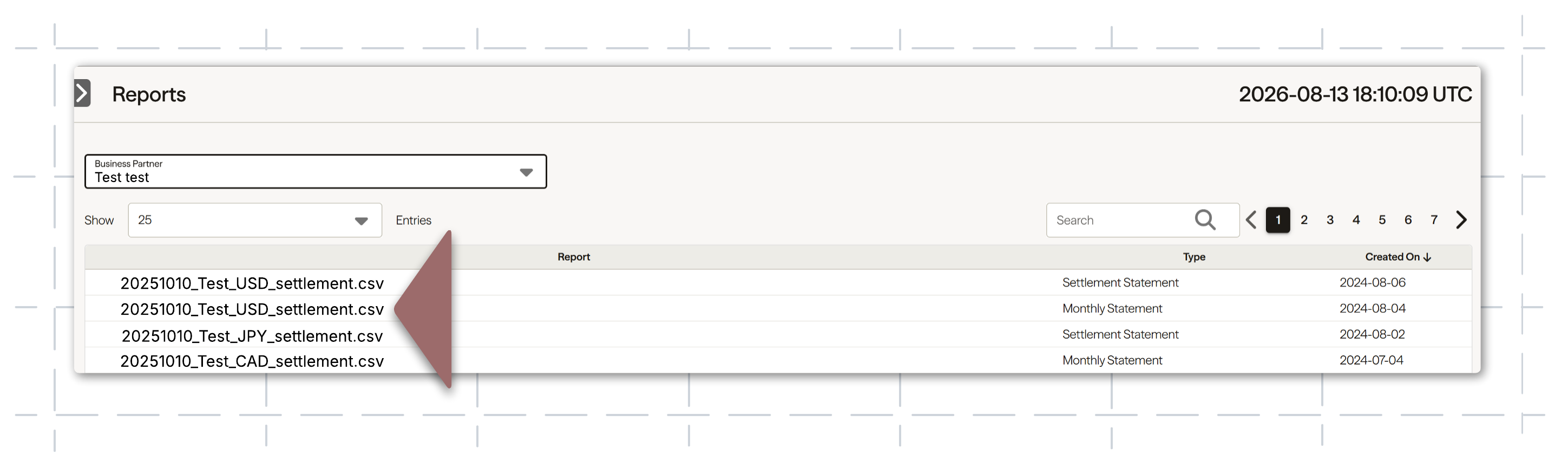
- If required, filter the reports by selecting a business from the Business Partner dropdown list.
- If required, filter the reports using the Search field.
- Click a settlement report name to download it. The report will be in your computer's download folder. Settlement reports are in CSV format.
Settlements and payment periods
The payment period spans from the time a customer's payment is captured to when funds are ready to be sent to your account by Reach, depending on your remittance frequency. Remittance frequency refers to how often Reach sends funds to your bank account (e.g., bi-weekly).
For example, if the remittance timeline is bi-weekly (on Mondays and Thursdays), Reach will initiate the settlement payment from our account twice a week, specifically on Mondays and Thursdays. Please note that these are the days when Reach will send the funds, so allow time for your bank to process and receive them.
Suppose you are on a T+4 payment period (T=transaction date, 4=business days to process). In that case, the funds will be included in your next settlement payment four business days after the transaction was created and captured ("End" date) within Reach's admin. The date and time when a customer's payment is captured are recorded in Coordinated Universal Time (UTC).
Shopify Payments
For Shopify suppliers using Shopify Payments, please note that the transaction date (T) refers to the day the transaction settles with Shopify Payments, rather than the day it is completed.
Shopify reports
For Shopify suppliers, transaction details and analytics are available in your Shopify admin. Reach settlement reports are downloaded from the Reach Admin Portal.
Adjustment reports
You may see a manual adjustment on your monthly settlement report. The adjustment report contains the details of these adjustments and is unique to Shopify suppliers. Though related to it, this report is separate from the settlement report.
Adjustments may include the following items:
- Shopify fees for Shopify Marketplace sales tax
- Shop Cash campaign billing debits
- Shopify Collective fees
- Refunds for transactions processed prior to integrating with Reach
The adjustment report is found in the Reports section of the Admin Portal. It is uploaded after the related settlement report.
Comparing Shopify and Reach reports
There are some differences between Reach's settlement reports and Shopify's reports that require consideration before reconciliation.
Review best practices for reconciling Shopify and Reach reports on the Comparing Shopify and Reach reports page.
Updated 2 months ago